Pinterest Video Downloader
Paste a public Pinterest Pin link, preview the video, and save the best available quality to your phone or computer.
How It Works
Follow these real mobile examples to use Pinterest Video Downloader in a few simple steps.
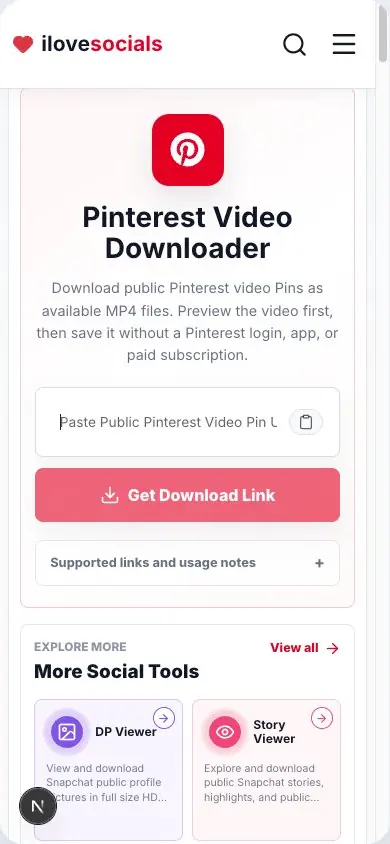
Copy the Video Pin Link
Open Pinterest, select a public video Pin, and copy the link from the share menu.
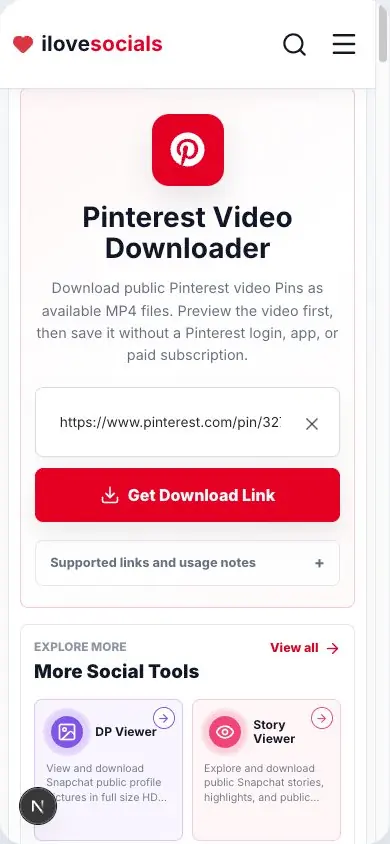
Paste the Link
Paste the copied link into the input field above.
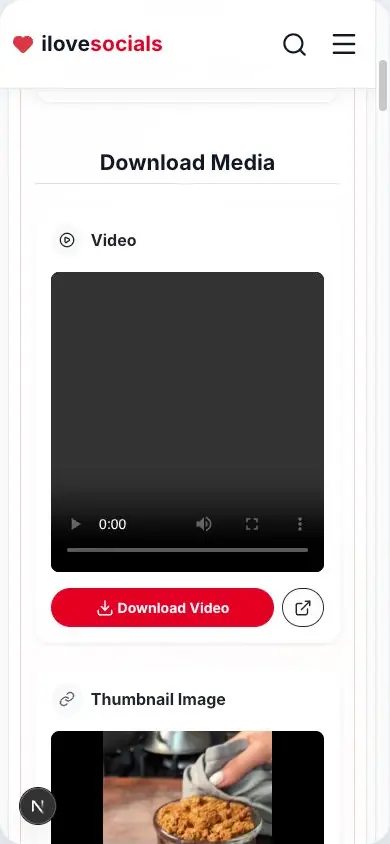
Preview the Video
Generate the result and confirm that the title, preview, and video match the Pin you selected.
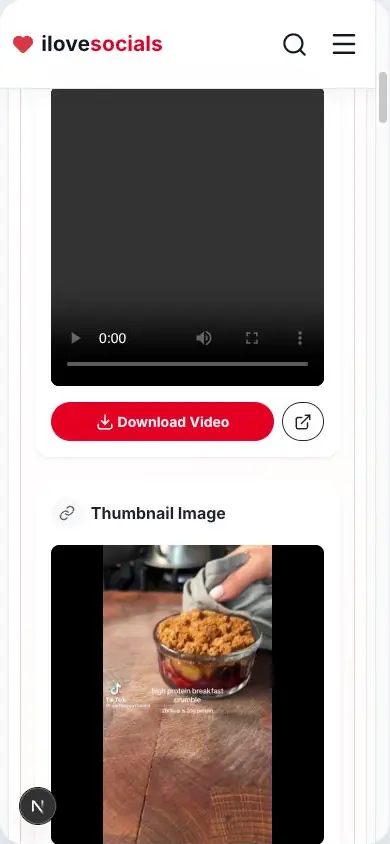
Save the Video
Use the download button to save the video to your device.
Direct Pin links
Accepts full Pinterest Pin URLs and pin.it share links.
Preview before saving
Check the returned video or image before you download it.
Best available quality
Keeps the best usable quality found for that Pin.
One Pin at a time
Made for one public Pin link at a time.
Download a Pinterest video in a few easy steps
How to download a Pinterest video
Open the video Pin in Pinterest, tap Share, and choose Copy link. Paste that link above, complete the quick check, and wait for the preview. If it is the right Pin, tap Download Video.
For the smoothest result, use a full link to one Pin or the pin.it link from Pinterest's Share menu.
Video quality and file type
The downloader saves the best video quality available for that Pin. The original upload and Pinterest's available version decide how clear the saved video will look.
The preview helps you check the video before saving. Picture Pins appear as a picture result.
Tips for the best result
- Open the individual Pin and play the video first.
- Copy a fresh link from the Pin's Share menu.
- Paste the link by itself, with any message text removed.
- Use an updated browser and a steady internet connection.
Save content with permission
A public Pin still belongs to its creator. Download your own video, content you have permission to save, or content you are legally allowed to use. Ask before reposting or using someone else's work commercially.
Key Highlights
What you can expect
The steps and details on this page match what the downloader can show and save.
- Full Pin links and pin.it share links
- Video preview and easy download
- Picture result for picture Pins
- Simple steps for phone and computer
Pinterest Video Downloader editorial review
The iLoveSocials editorial team reviewed Pinterest Video Downloader for clear instructions, mobile usability, privacy-aware operation, and a straightforward browser-based workflow.
Reviewed by iLoveSocials Editorial Team
Frequently Asked Questions
Use it with care
Enjoy public Pinterest content responsibly. Keep the creator's permission and rights in mind whenever you save, share, or reuse a video.