Instagram Profile Picture Downloader
View and download the best available HD Instagram profile picture from a username or profile link. See the image size before saving.
How It Works
Follow these real mobile examples to use Instagram Profile Picture Downloader in a few simple steps.
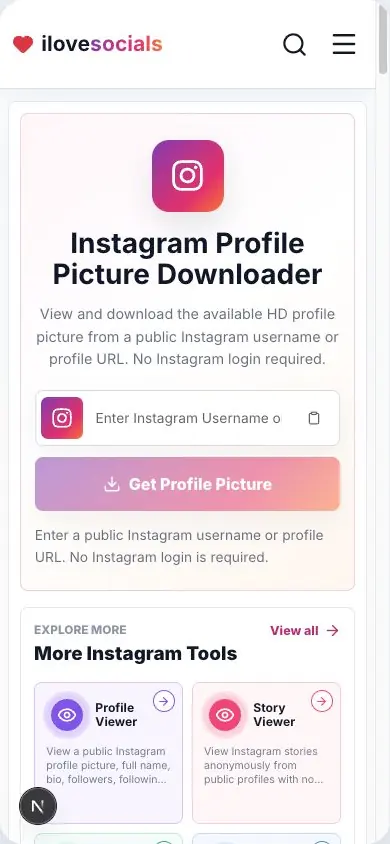
Enter a Username
Type an Instagram username or paste the account's profile link.
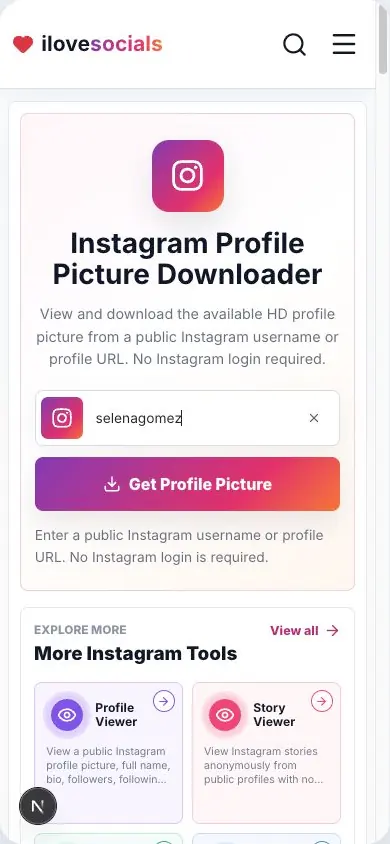
Load the Picture
Click the button to load the publicly available HD profile image.
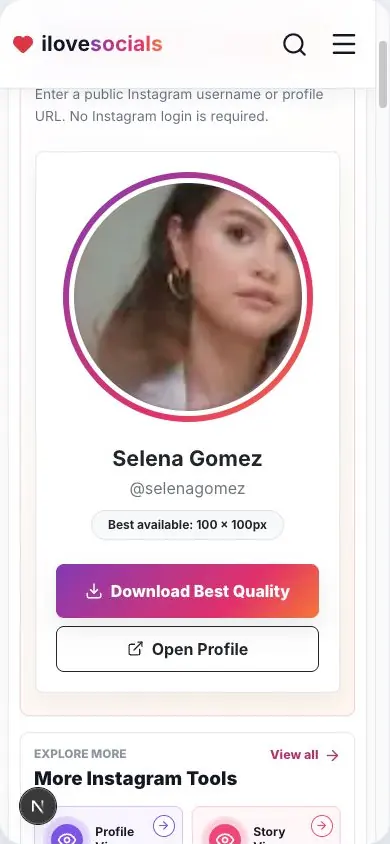
Preview and Download
Check the full-size preview, then save the image to your device.
HD when available
Get the best profile picture quality Instagram makes available.
Identity check
Confirm the full name and username before saving the avatar.
Direct image download
Save the picture with a clear name based on the username.
Simple browser use
Search by username or profile link from your browser.
Understand the profile picture result before downloading
Download an Instagram profile picture in HD
Enter an Instagram username or profile link above. We will show the best available profile picture for that account. Check the name and username, then tap the download button to save it.
The result also shows the image size, such as 320 × 320 or 1080 × 1080. Picture sizes vary by account, so the number shown with the preview tells you the quality found for your result.
Which username or link should I use?
Enter the username with the @ sign or on its own, or paste the account's main Instagram profile link.
How the picture size works
Instagram may provide a 320 × 320 picture for one account and a larger HD picture for another. The size shown under the preview is the real size found for your search.
For a recently changed photo, give Instagram a little time to update and then search the username again.
Made for profile pictures
This page focuses on the profile picture shown with an Instagram account. It gives you a larger preview, the picture size, and a download button in one place.
Save and reuse a picture when you own it, have the owner's permission, or have another legal right to use it.
Key Highlights
What you can expect
The page clearly shows what was found, so you can check the account and picture quality before downloading.
- Username or profile-link search
- Name, username, picture preview, and image size
- HD download when a larger picture is available
- Easy steps for phone and computer
Instagram Profile Picture Downloader editorial review
The iLoveSocials editorial team reviewed Instagram Profile Picture Downloader for clear instructions, mobile usability, privacy-aware operation, and a straightforward browser-based workflow.
Reviewed by iLoveSocials Editorial Team
Frequently Asked Questions
Is ilovesocials.com Safe to Use?
ilovesocials.com is designed for privacy-aware use without asking for your social media password.
Our tools process supported public links or public profile information only when you request a result.
How we protect a simple, transparent experience:
- We do not ask for Instagram login details or passwords
- We do not require account access or authentication
- Limited technical and usage data is handled as described in our Privacy Policy
- No forced pop-ups, redirects, or hidden downloads
- Works directly through your browser using publicly available content
Review our policies to understand how the service works, what data may be processed, and your responsibilities when using downloaded content.
Use it with care
Profile pictures belong to their owners. Save and reuse a picture with the owner's permission or another legal right to use it.